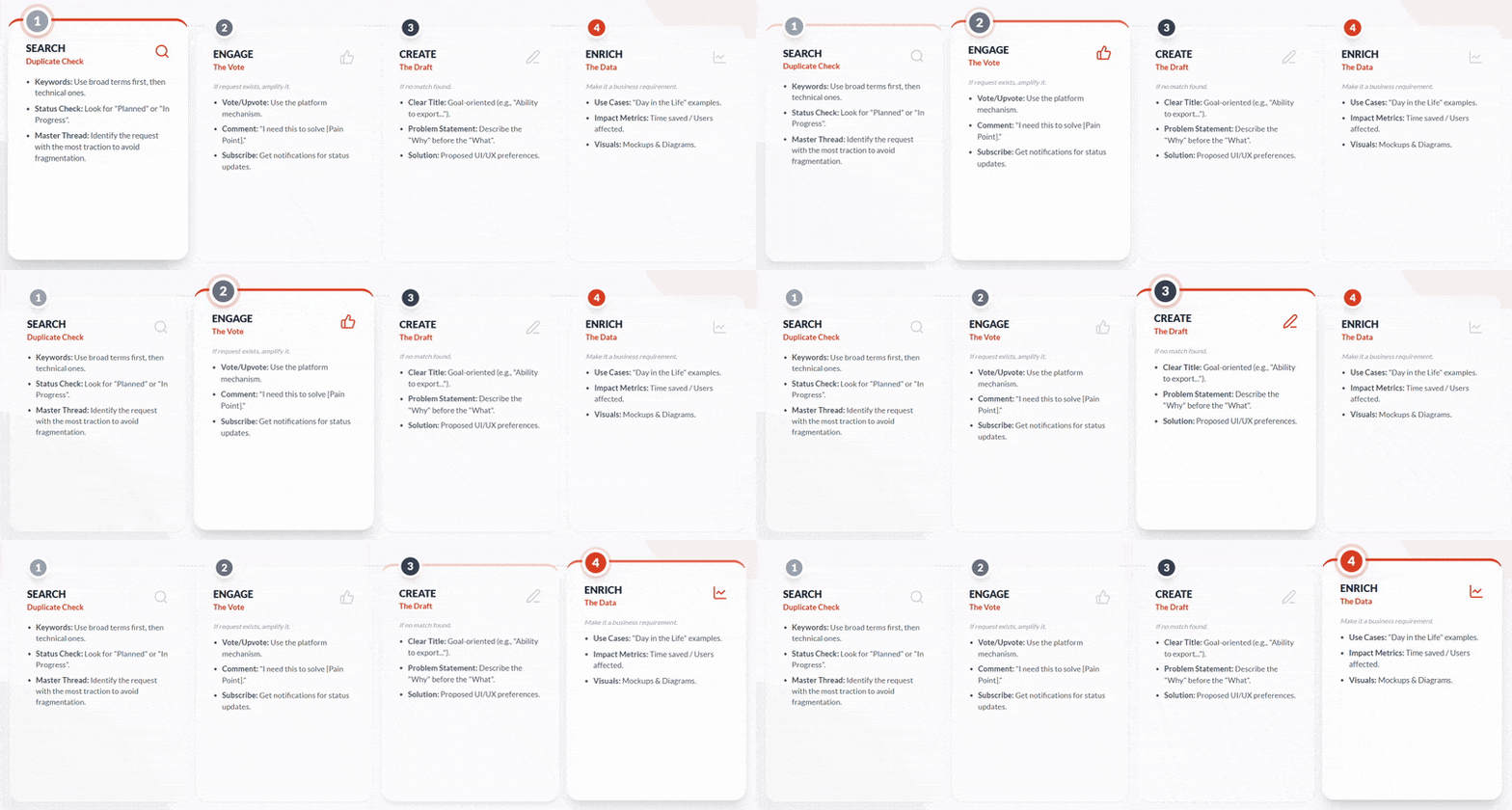
This article provides an overview of the OutSmart Idea process.
Upon receiving a request, first determine if the idea or feature already exists. You can do this by scrolling through the board or using the search functionality to locate similar issues.
In this tool, Features/Ideas/Issues/Suggestions are described as a Post.
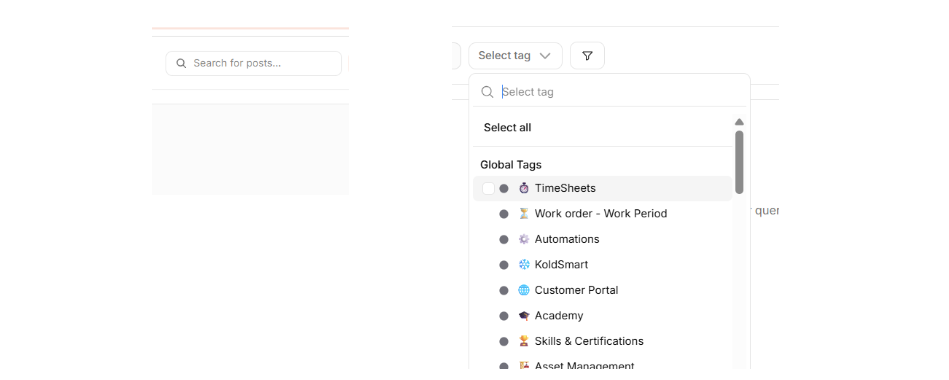
Use the search bar or tag selection to find existing Posts.
No existing results found
When no results are found, we can continue to submitting a new Post.
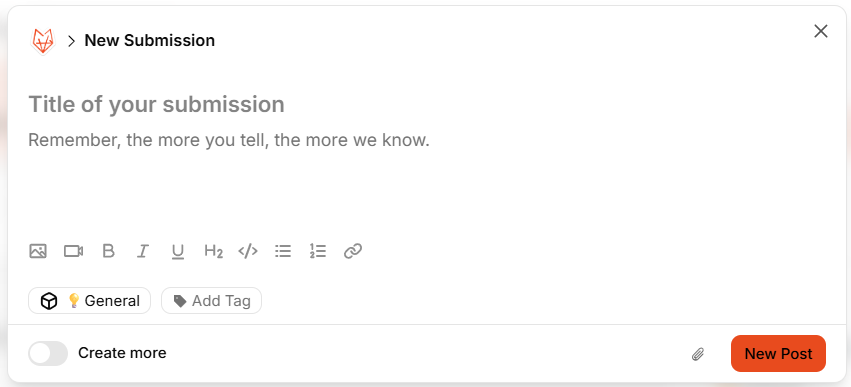
1. Click the button New Post to add a new Post to the board.

2. Enter the Title and Description of the Post.
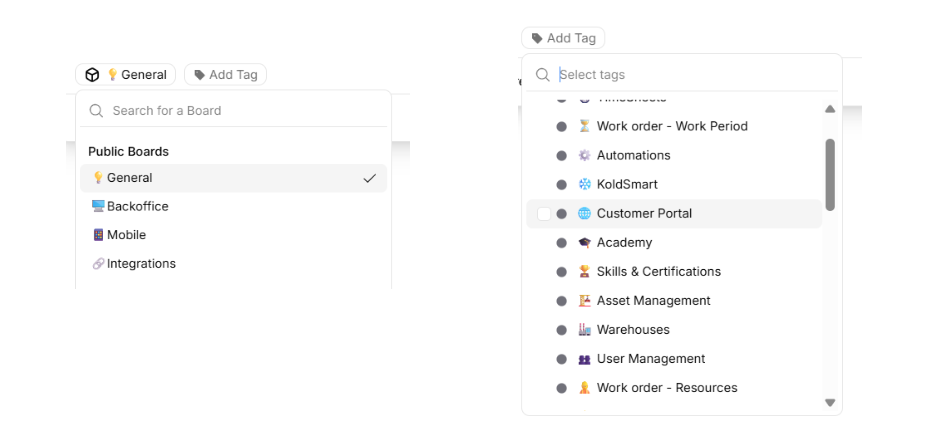
3. Select the board. If the Post is for a specific platform, select it. Add specific tags if you already know to which module it belongs.
Existing item found
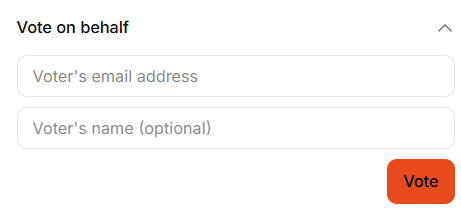
When an existing Post is found that matches the requirements. You can attach the user to the Post and vote on their behalf: